Changed Bluesky's handle to my domain
- English
- Bluesky
- Cloudflare
My Bluesky account used daiki48.bsky.social .
And now I’ve updated my Bluesky account handle to dnfolio.dev . I will share how to set this up for Cloudflare Registrar , where I manage the domain.
How to set up
Bluesky side
Select Bluesky settings button.

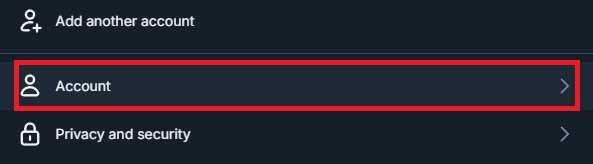
Select Account button.
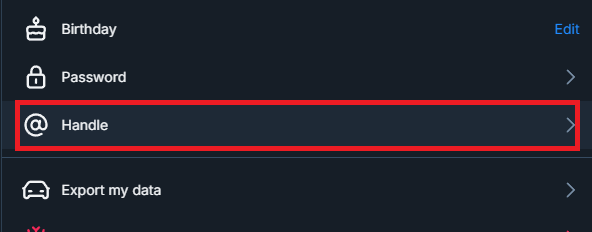
Select Handle button.
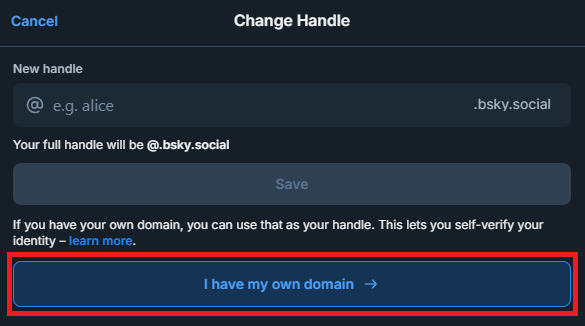
Select I have my own domain button.
Enter the domain you want to use.
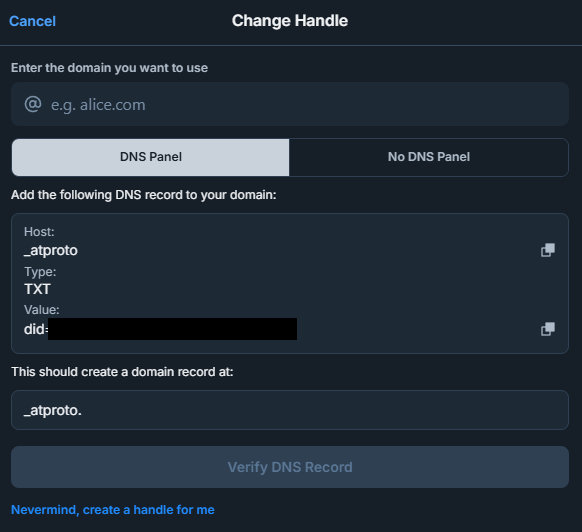
Select DNS Panel tab.
Cloudflare side
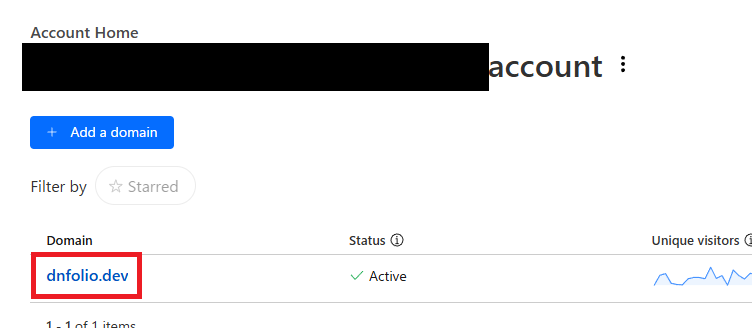
In the account home, select the domain.
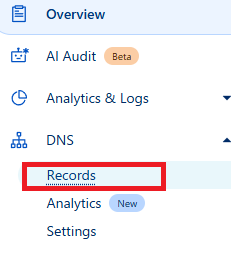
In the left sidebar, Select DNS Records button.
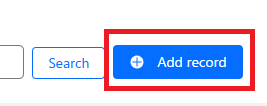
Select Add record button.
Enter the Type, Name, Content .
Name corresponds to Host and Value corresponds to Content .

Added record.

Return Bluesky side
Press the Verify DNS Record button.
Then I was able to update the Bluesky handle. Congratulations!!

When you refresh the Bluesky screen, the handle displayed on your profile screen is set to the value you have set. Glad to see that.